Send to someone
Send the three options and choose together.
Try Let Them Cook
Add a few ingredients and get 3 realistic dinners you can make tonight.
Send the three options and choose together.
Save useful ideas in this browser.
Prioritise ingredients you want to use first.
Examples

A comforting one-pan dinner with chicken, garlic and spinach.
Uses what you have

A quick dinner that makes good use of fresh spinach.
Use spinach first

A familiar fried rice made better with one useful extra.
Add spring onion
Choose together
Share these options and let them choose.
Tell us what you keep at home and how you like to cook. Let Them Cook uses your pantry, dietary needs, tastes, time and appliances to suggest meals that make sense for tonight.
Join early accessWhy it works
Most cooking apps begin with a recipe. Let Them Cook begins with you. It looks at your ingredients, dietary needs and cooking routine before showing you a short list of meals.
Step 1
Type your ingredients, take a photo, or say them out loud. You can review and correct everything before it is saved.
Once your pantry is set up, you do not have to enter the same ingredients every time. Expiry dates also help you see what should be used first.
Step 2
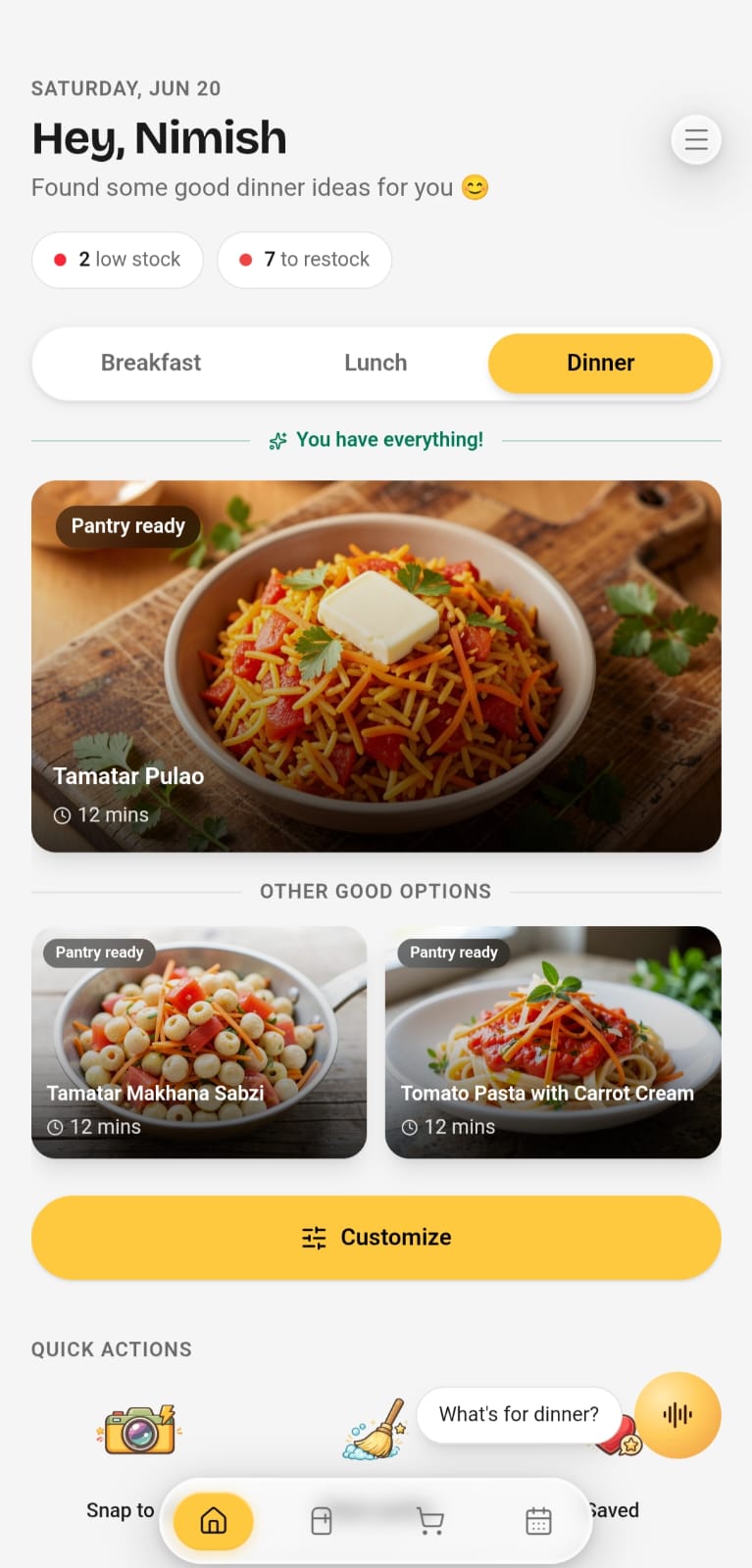
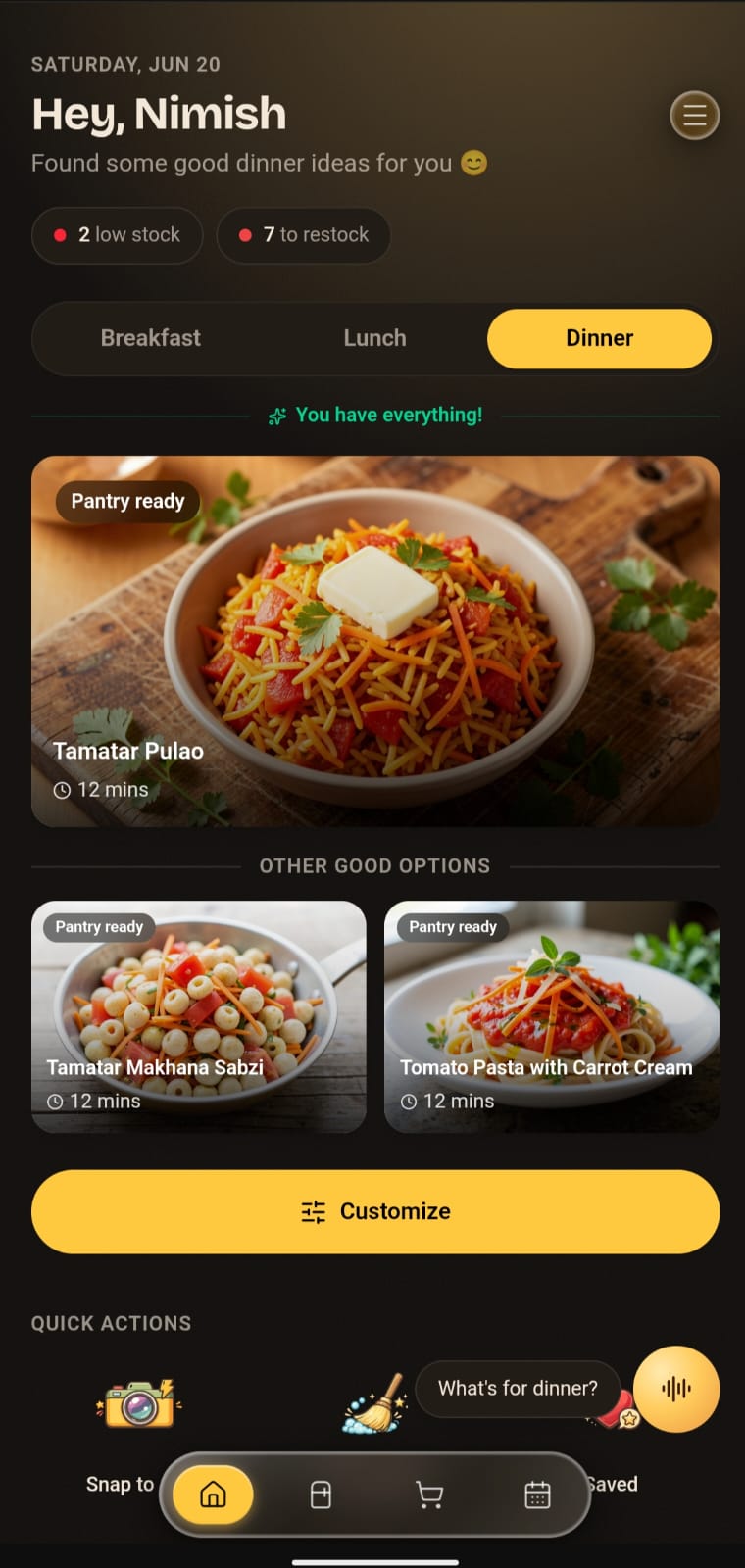
The app checks your kitchen before it suggests a meal.
Let Them Cook considers what you own, your dietary needs, allergies, dislikes, available time, cooking skill and appliances. You get a shorter list of meals that you could realistically cook tonight.
Step 3
Build breakfast, lunch and dinner plans around the food you already own and the way you usually cook.
Cook Now focuses on meals you can make immediately. Plan Ahead helps you organise the week and shows which ingredients you still need.
Step 4
Once you choose meals, Let Them Cook turns the remaining gaps into a focused shopping list.
The app checks your pantry first, so ingredients you already own are not added again. For tonight, it can favour meals that need no shopping. For the week, it can add the few extras you need.
Step 5
Ask Chef for substitutions, timing help, or guidance while you cook.
Chef already has your current recipe, pantry and saved preferences, so you do not have to explain everything again when you need a substitution or timing tip.
Your pantry, dietary needs, dislikes, appliances and skill are ready the next time you open the app.
See a shorter list based on what you have, what you avoid and how much time you have.
Choose something you can make now or plan ahead and shop only for the missing ingredients.
Keep expiry dates visible and prioritise ingredients that should be used sooner.
Early access waitlist
Be among the first to try Let Them Cook and get meal ideas built around your kitchen from the moment you open the app.
Get 1 month of Premium at launch
Join the waitlist and refer 2 friends to qualify.
Let Them Cook is a personalised cooking app for iPhone and Android. It uses what is in your kitchen, along with your saved dietary needs, tastes, cooking skill, appliances and available time, to suggest suitable meals.
Many cooking apps begin with a recipe you have already found. Let Them Cook begins with your kitchen and preferences, then shows a smaller set of meals that are practical for you to cook.
You can save allergies and dietary preferences so they are used to filter suggestions. Because recipes and product labels can vary, always review ingredients, packaging, and preparation conditions before cooking.
Type them in, snap a photo of your groceries, or say them out loud. You review everything before it is saved.
It keeps expiry dates visible and can prioritise meals that use ingredients before they are likely to go off.